Take a photo
Shoot the space from a corner, or pick a photo you already have. Interiors, exteriors, gardens and single walls all work.
Snap a room, a house, a garden or a single wall. Nestora restyles it in seconds — keeping your real layout, windows and structure — then shows the result beside the original so you can see exactly what changed.
3 free designsNo account neededPhotos never used to train AI
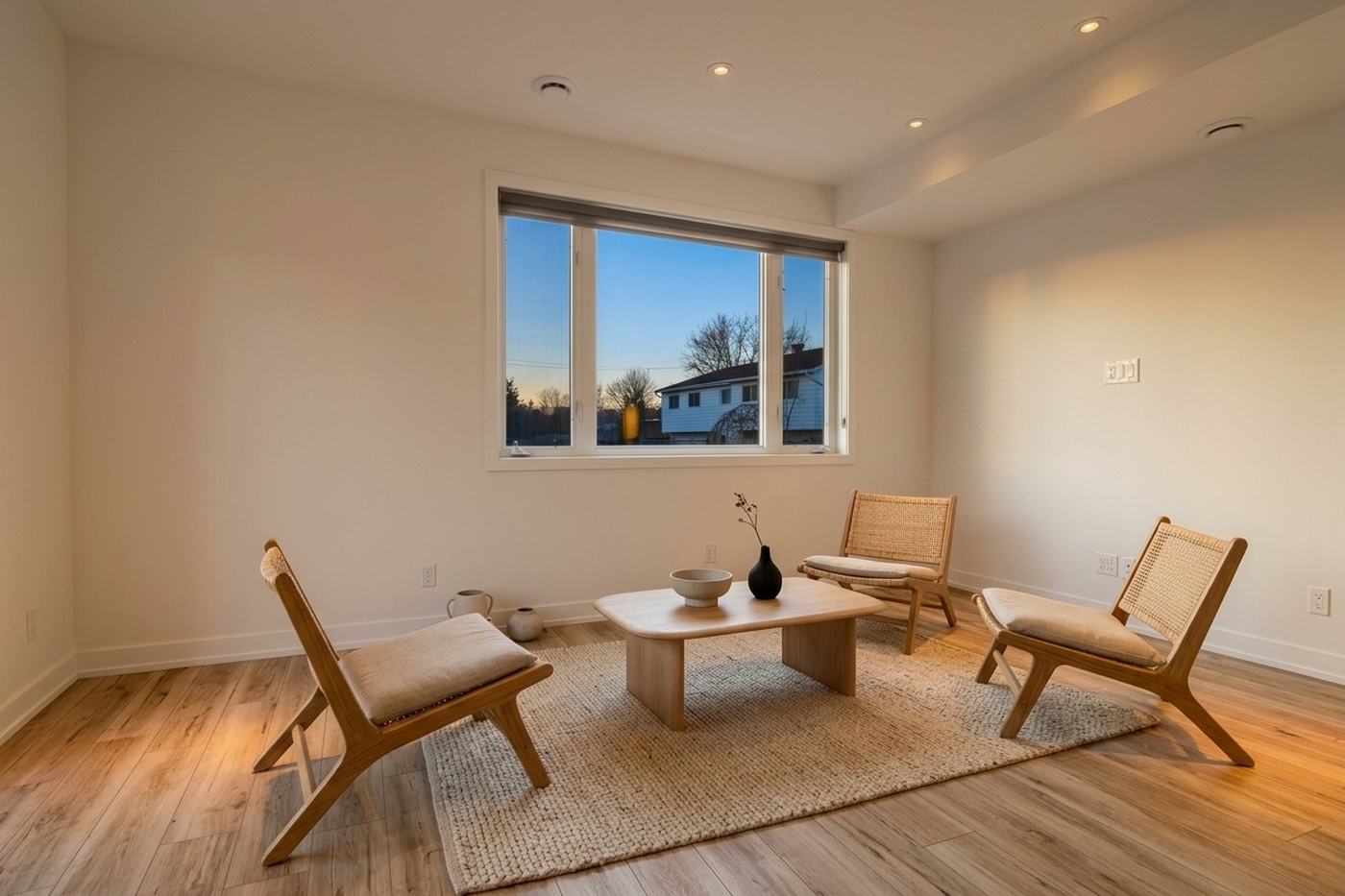
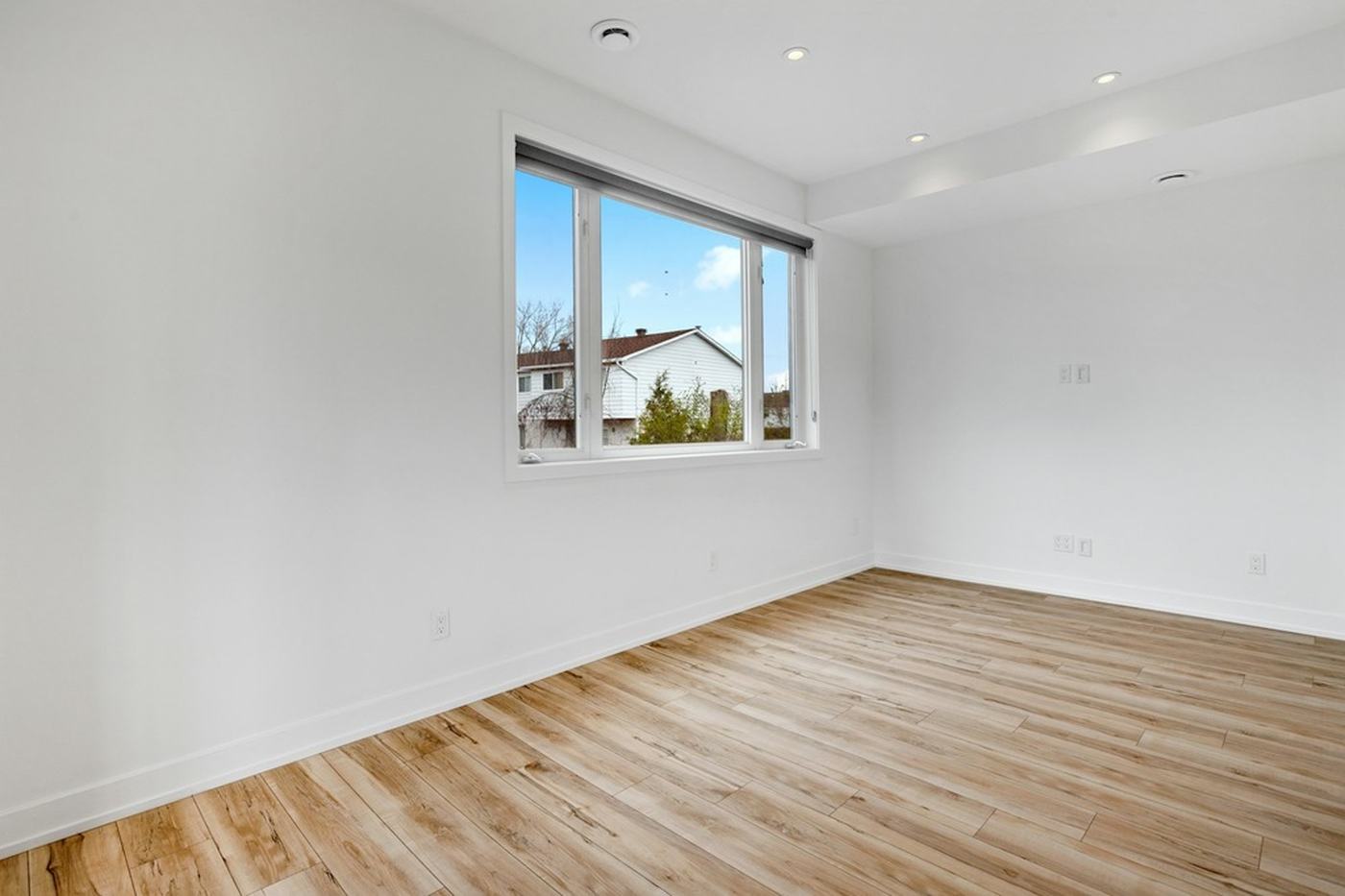
Drag the handle. Same photograph, same room — only the design changed.
How it works
No floor plans, no measuring, no design software. A photo is enough.
Shoot the space from a corner, or pick a photo you already have. Interiors, exteriors, gardens and single walls all work.
Choose the space type and one of eleven designer styles. Pro users can add their own instructions, like "warm pendant lights and more plants".
Slide between before and after, save what you like to your Archive, and share it with family or your contractor.
Every space
Most AI design apps stop at interiors. Nestora redesigns the whole property.
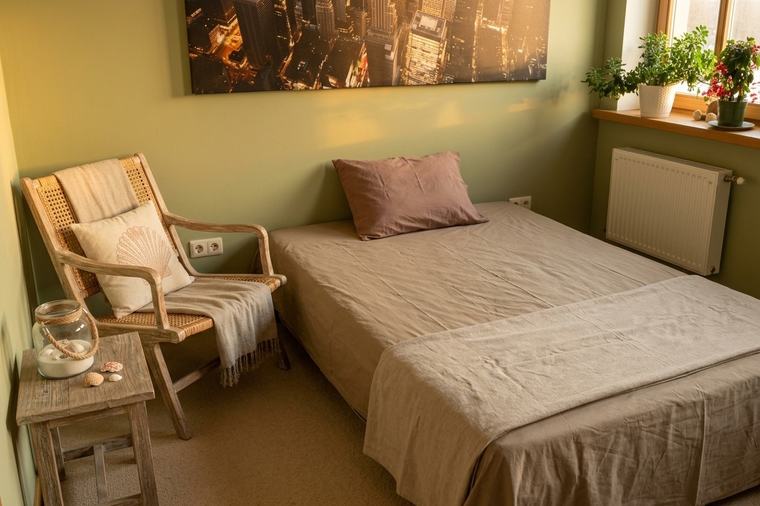
Bedrooms, kitchens, bathrooms, offices, kids' rooms and more.
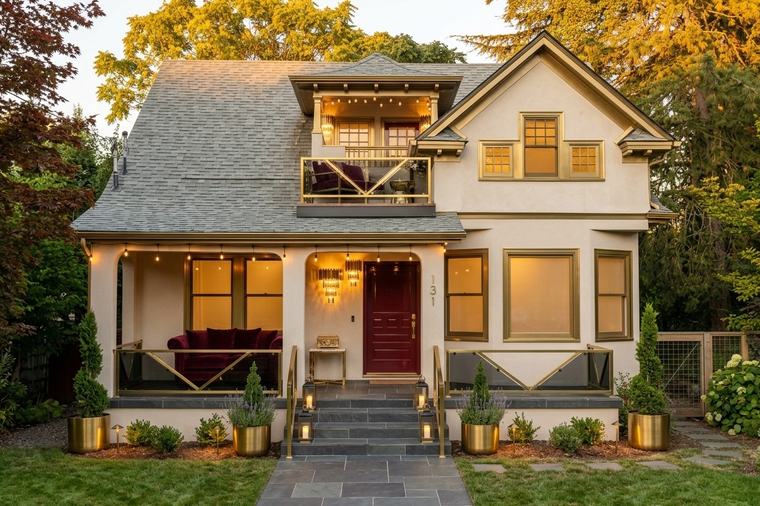
Houses, villas, ranches and apartment façades.
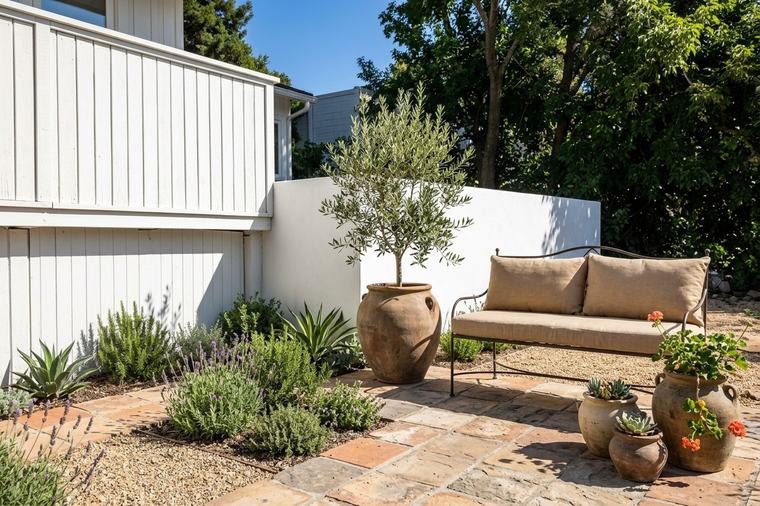
Lawns, backyards, patios, pools and terraces.
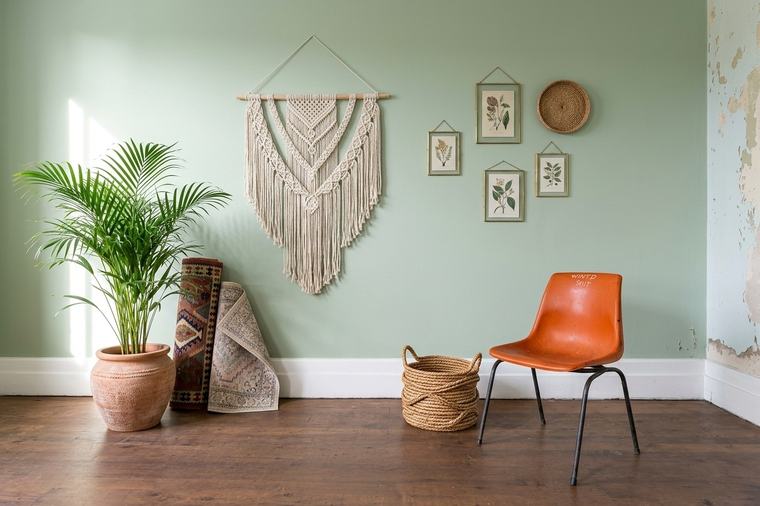
Paint, textures, wallpaper and wall art — one wall at a time.
Styles
Every style is included on the free tier — nothing is locked behind the paywall except volume and resolution.
Before & after
Drag any image. The walls, windows and proportions stay put — the furniture, finishes and light change.
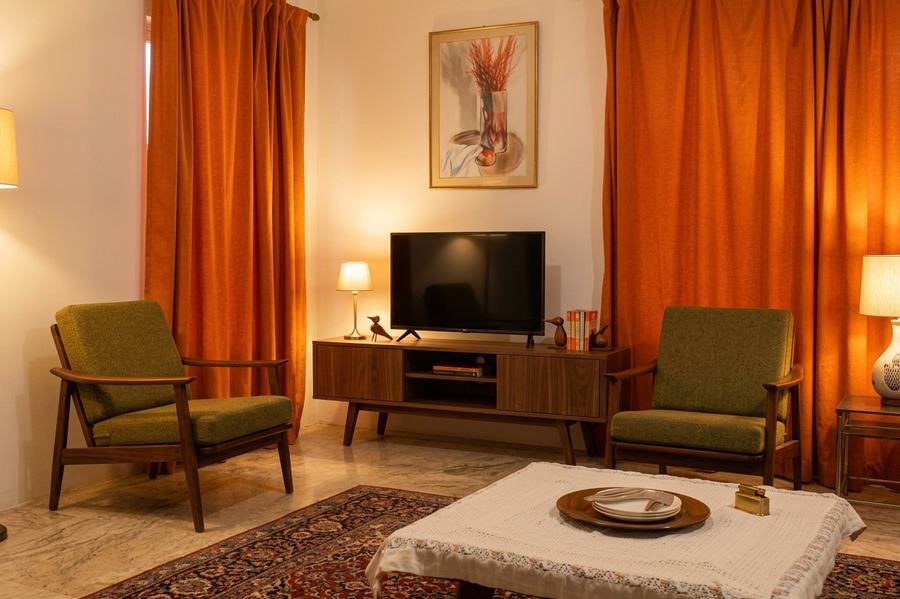
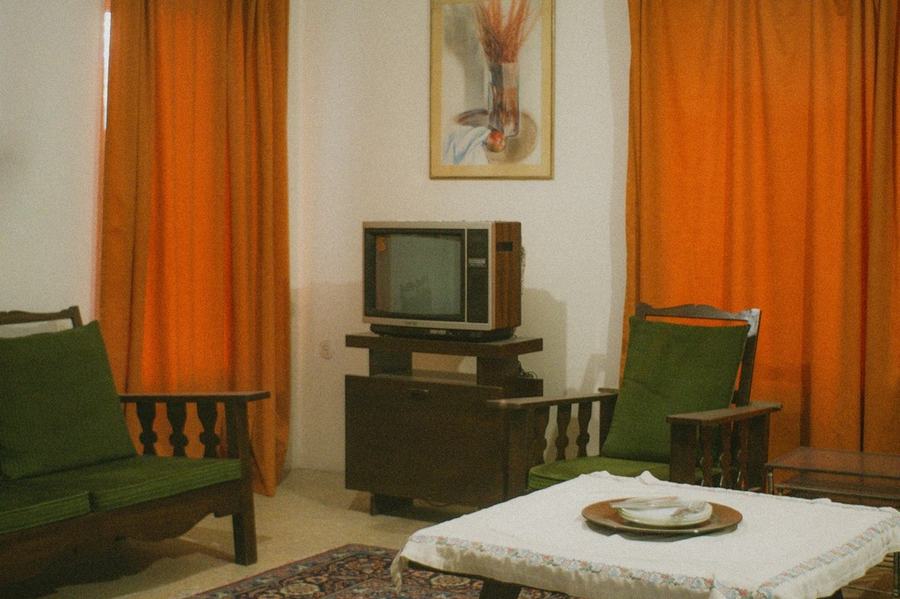
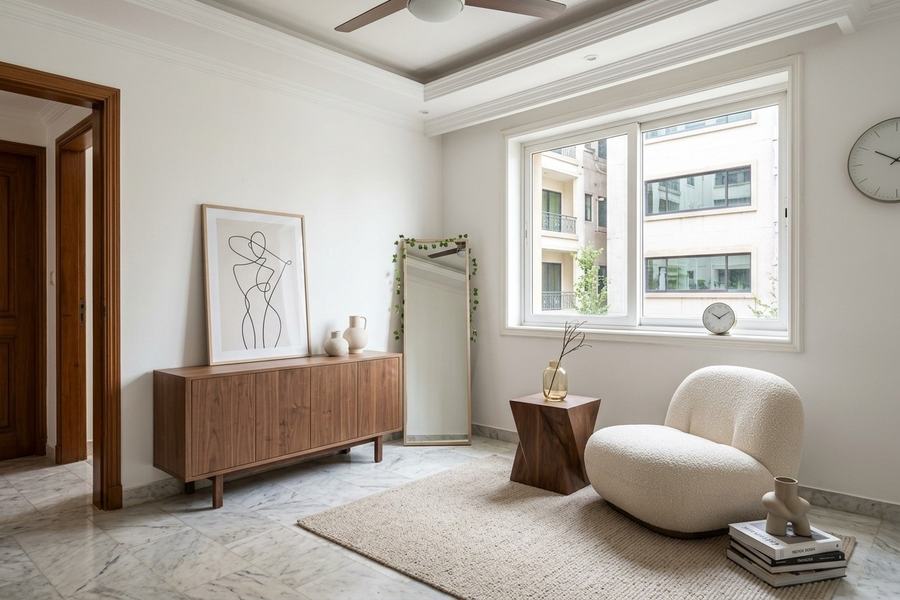
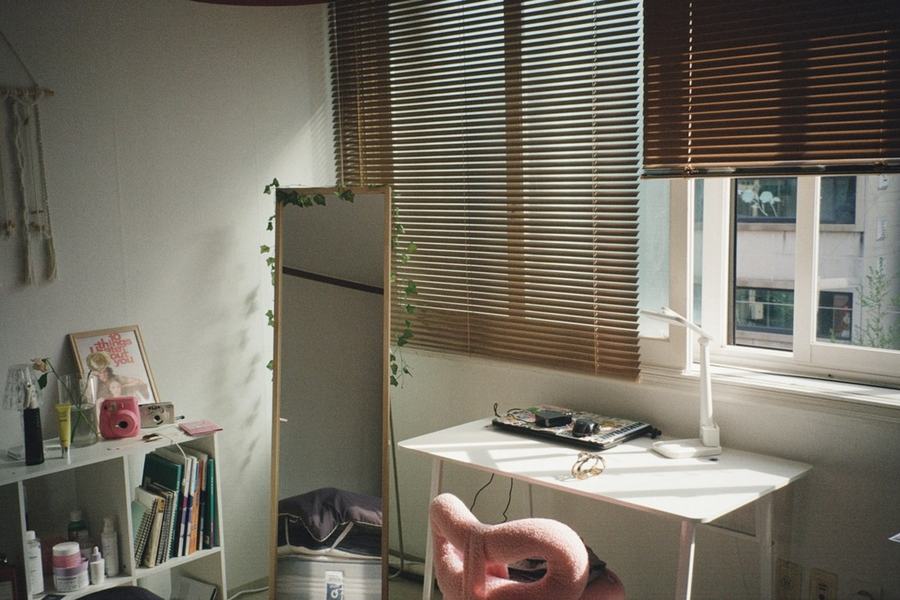
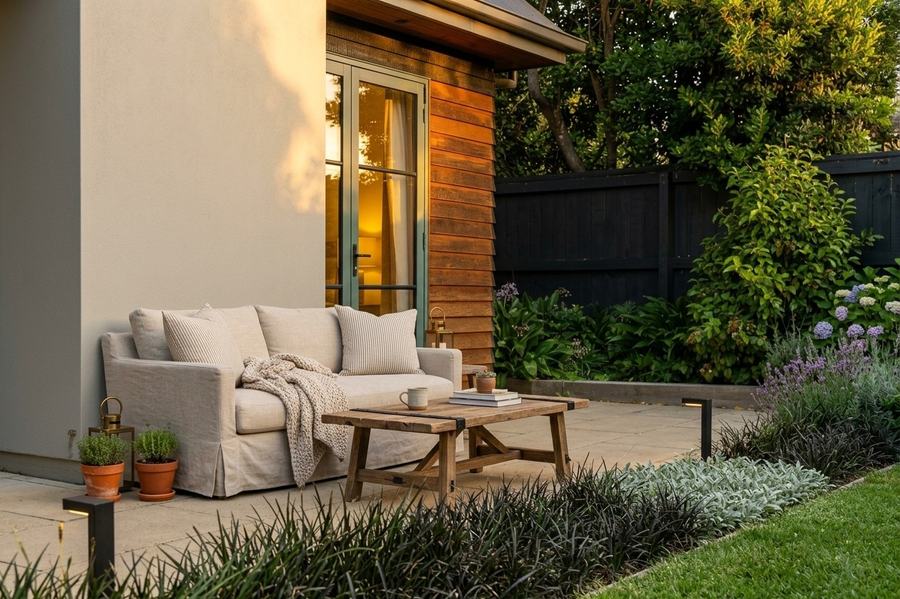
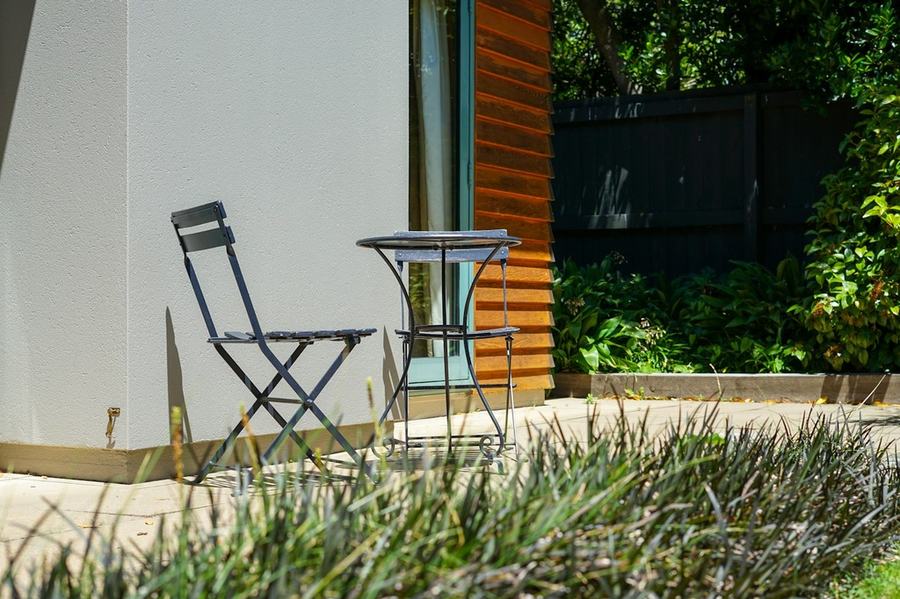
Example redesigns generated with Nestora from stock photography.
In the app
Every design you keep lands in your Archive, ready to compare, favourite and share.
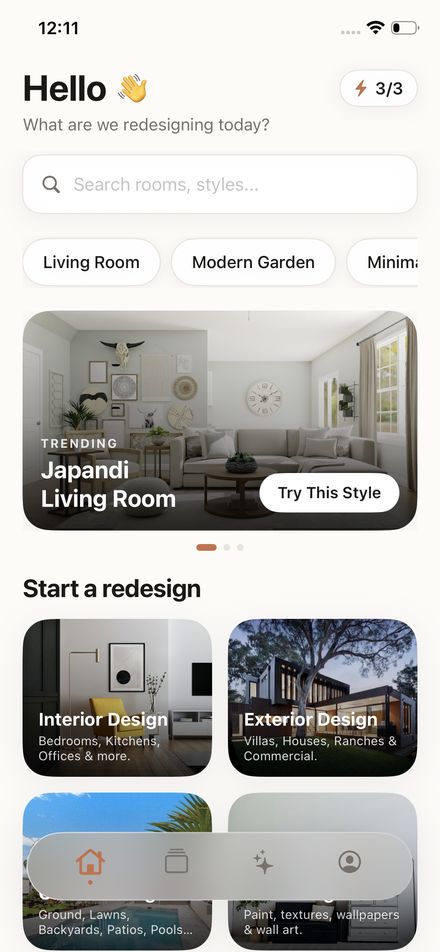
Start from any space
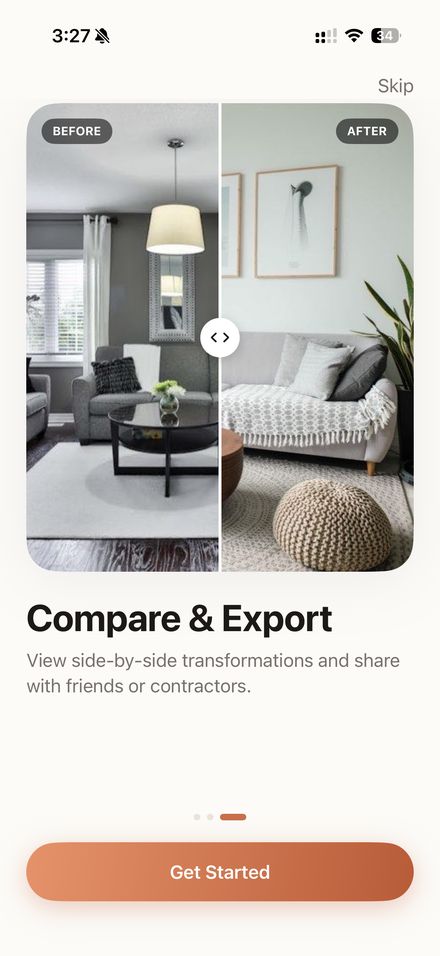
Compare side by side
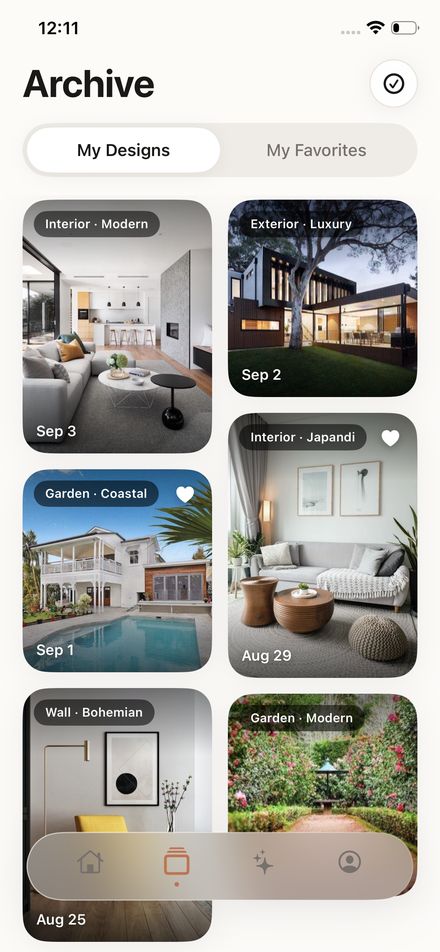
Keep every version
Pricing
Three designs on the house — no card, no account, no trial countdown.
$0
No account required.
$6.99 / month
Or $49.99 / year — about 40% less.
$4.99 / 20 credits
For the month the renovation actually happens.
Nestora Pro is an auto-renewing subscription. Payment is charged to your Apple ID at confirmation of purchase and renews automatically unless cancelled at least 24 hours before the end of the current period. Manage or cancel anytime in your App Store account settings. Prices are in USD and may vary by storefront. See our Terms & Conditions and Privacy Policy.
Questions
No. Nestora works straight out of the box — every device gets 3 free designs, and Pro or credit packs are bought with the Apple ID already on your device. Signing in with Apple or Google is optional and only carries purchased credits to your other devices. If you do sign in, you can delete the account and everything stored with it from Profile → Delete Account.
Yes — that is the point. Nestora reads the structure of the photo, so walls, windows, doors and proportions stay where they are. What changes is furniture, finishes, colour and light.
They are sent over an encrypted connection purely to generate the design you asked for, and they are never used to train public AI models. No ad networks, no tracking pixels, no data brokers. Full detail in the Privacy Policy.
One generated image. Trying the same room in a second style uses a second design, which is why most people move to Pro once they start comparing options seriously.
In Settings → your Apple ID → Subscriptions, at least 24 hours before the next renewal. Cancelling keeps Pro active until the end of the period you already paid for.
iPhone and iPad running iOS 17 or later.
Three designs free, no account, no card. One photo is all it takes.